When we started exploring how AI could help our frontend workflow, our main goal was simple: to make our design system — Legion — intelligent enough to understand our components, patterns, and templates, and to generate production-quality UI directly from prompts.
We didn’t want an AI that generates generic React code. We wanted an AI that knows how our design system works — which props to use, how to compose components, and how to respect branding rules. Essentially, the AI should act like a frontend engineer trained on Legion UI Kit.
1. Defining the AI’s Knowledge Layer (RAG)
To achieve that, we implemented a Retrieval-Augmented Generation (RAG) pipeline. We stored and indexed our internal design system documentation — every component, prop, and usage guideline — so the AI could access relevant information during generation.
Each component was defined as a document entry, including its purpose, usage, attributes, and language context. Here’s an example of one of those entries:
{
  "context": "Accordion V3 Component, used for displaying a collapsible section with title, toggle, and customizable styles. Supports children content.",
  "usage": "import { Accordion } from '@legion-ui-kit/react-core/client';\n\n<Accordion isOpen onClick={() => {}} title=\"Accordion Title\">\n  <p>This is the content inside the Accordion.</p>\n</Accordion>",
  "attrs": "isOpen (boolean); title (string | ReactNode); contentClassName (string); contentStyle (CSSProperties); disabled (boolean); headerClassName (string); headerStyle (CSSProperties); noToggle (boolean); onClick (TAccordionOnClick); openedClassName (string); openedStyle (CSSProperties); titleClassName (string); titleStyle (CSSProperties); toggleClassName (string); toggleIcon (\"chevron-arrow\" | \"plus-minus\" | ReactNode); toggleIconPosition (\"left\" | \"right\"); toggleStyle (CSSProperties); children (ReactNode)",
  "language": "web - javascript - react"
}
We used Azure AI Search for indexing these documents and integrated it with our own backend RAG service. This allowed the AI to retrieve component metadata dynamically whenever a query came in.
2. Connecting AI with Bolt.diy
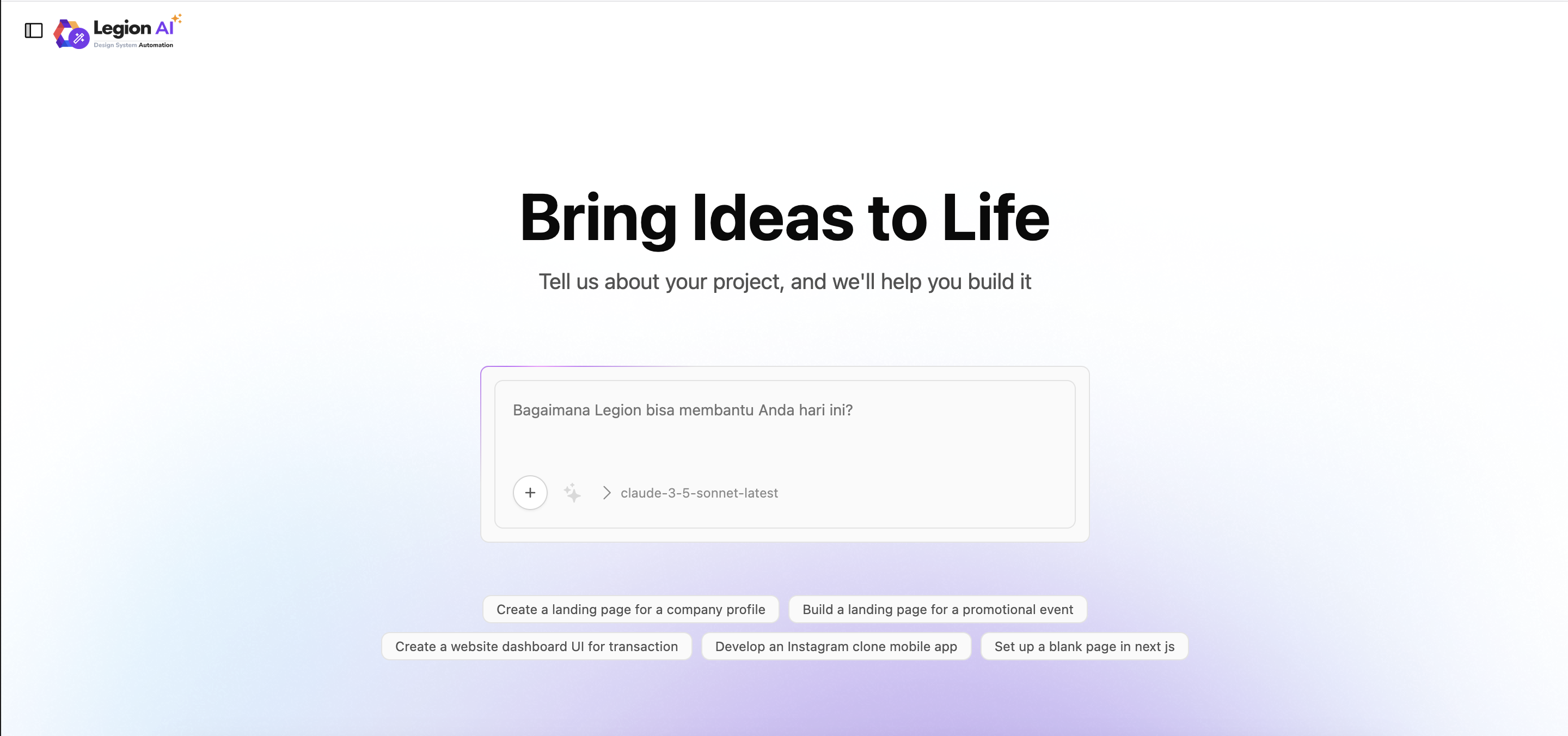
We integrated this system with Bolt.diy, which acts as the natural-language interface. Whenever someone on the team asks something like:
“Create a login page using Legion components.”
The request goes through our backend, which triggers a pipeline:
- Fetch related component documentation from the RAG index.
- Inject the component context into the AI prompt dynamically.
- Ask the AI (using Azure OpenAI) to generate code that aligns with Legion’s component patterns.
Behind the scenes, multiple prompts are stitched together — describing our design tokens, layout constraints, component usage, and accessibility standards — so the AI generates code that looks like it was written by our team.
3. Generating Complete Pages (Templates)
The interesting part is that the AI doesn’t just create individual components. It can also assemble templates.
When someone queries “create a login page,” the AI understands that it’s a page template, not a single component. It knows that templates should use page-level layout wrappers (like <AuthLayout>), proper spacing, and responsive design patterns.
That differentiation comes from how we labeled our documents — we tagged each entry as either a component or template, and included sample patterns of how they fit together.
4. Real-time Code Injection and Preview
Once the AI generates the output, our backend injects the code directly into the developer’s workspace. The team can instantly preview the result inside the internal sandbox — powered by Bolt diy runtime — to verify the layout visually.
From there, they can tweak, save, or download the generated code. This workflow allows designers and developers to quickly prototype pages that already conform to the design system, without repetitive boilerplate.
5. Results and Learnings
By giving AI a deep understanding of Legion, we’ve turned it into a collaborative engineer rather than a random code generator. The system can now:
- Generate components that follow our design tokens and themes.
- Distinguish between page templates and reusable UI components.
- Output consistent React + Tamagui cross-platform code.
- Maintain brand variations (multi-brand theming) automatically.
This setup allows our team to move from idea → prototype → production much faster — while maintaining visual and technical consistency across all platforms.
Integrating AI into our design system was about amplifying both designer’s and developer’s impact — making the design system itself intelligent enough to understand the way we build.